Write a focused brief
Name the subject, setting, motion, tone, duration, and audience. Specific constraints make the first result easier to judge.
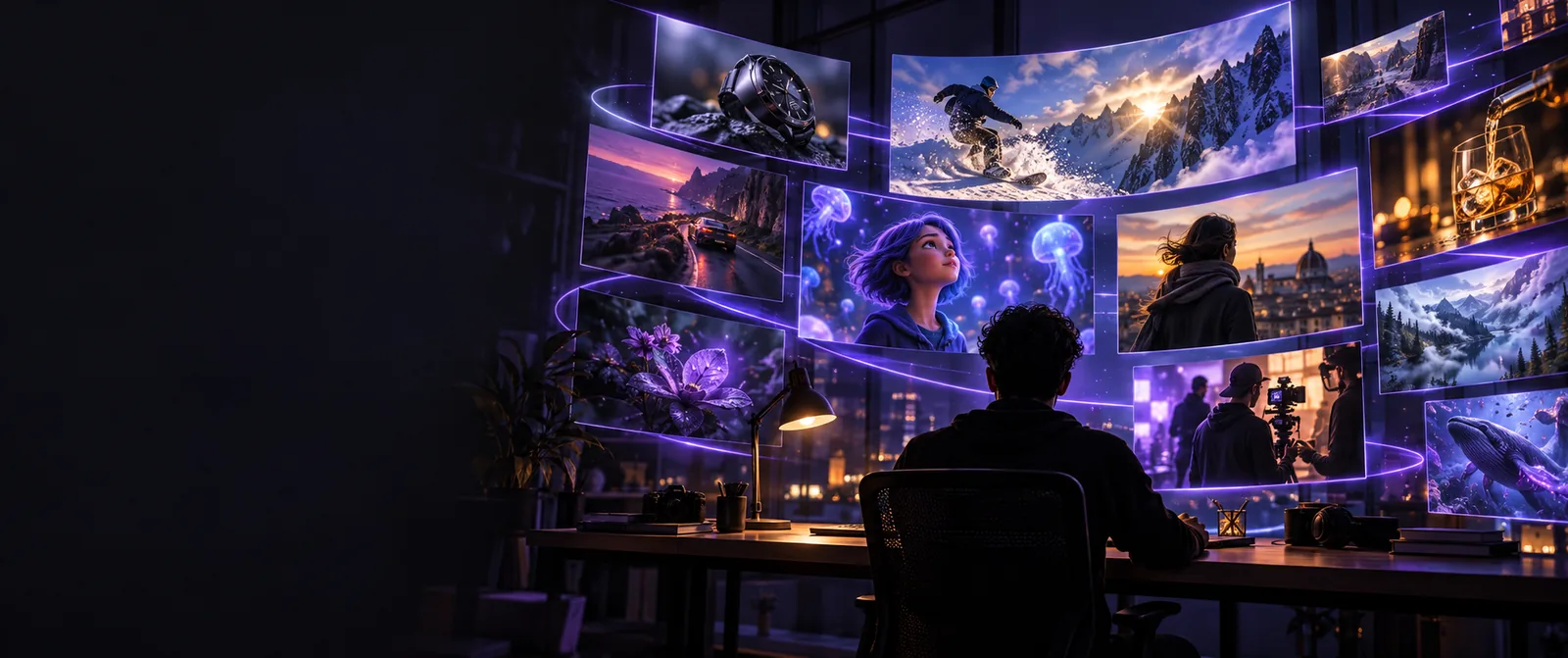
Online video workspace
Everygenai runs online in your browser with nothing to install, but it is not free: generation requires an account, a free signup adds only 3 credits with no downloads, and paid plans start at $19/mo. Start with a clear brief, then refine the result in the product.
Use these related guides to understand the product from different angles, from the basic definition to practical use and safety questions.
A plain-language explanation of the name, purpose, and core idea behind the platform.
A practical walkthrough for turning a rough concept into a more useful video brief.
A focused checklist for reviewing privacy, permissions, and responsible use before uploading material.
The online workflow is easiest to evaluate as a short sequence: define the result, guide the generation, and inspect what came back.
Name the subject, setting, motion, tone, duration, and audience. Specific constraints make the first result easier to judge.
Look for the right subject, framing, movement, and visual mood. Keep the useful parts of the result and identify what needs revision.
Adjust the brief or continue in the product with a clearer objective. Treat each attempt as feedback for the next version.
An online starting point and a production-ready brief serve different purposes. Keeping them distinct helps you avoid expecting a preview to answer every workflow question.
Online starting point
Test whether the idea is worth developing
Production brief
Define the result clearly enough to produce
Online starting point
A concise concept with one main subject
Production brief
A structured description with visual constraints
Online starting point
Overall direction, tone, and composition
Production brief
Continuity, timing, framing, and audience fit
Online starting point
Keep, revise, or discard the concept
Production brief
Send the refined direction into production
Online starting point
Mistaking an early concept for a final asset
Production brief
Adding so many constraints that the brief becomes unclear
Online starting point
The idea is visually understandable at a glance
Production brief
The intended output can be judged against explicit criteria
Different people arrive with different goals. The strongest results usually begin with a small, testable request rather than an oversized production plan.
Turn a campaign concept into a short visual direction for a launch page or social post.
You get a concrete starting point that can expose weak framing before the campaign moves further.
How does YouTube AI work?Describe a product, its environment, and one camera movement instead of trying to script an entire commercial at once.
The visual brief becomes easier to compare, edit, and share with collaborators.
everygenai tutorialUse a small concept to understand how prompts, visual references, and revisions affect an AI video workflow.
You build a repeatable habit for testing ideas without losing sight of the intended audience.
everygen aiExplore a scene, transition, or camera move before deciding whether it deserves a larger production pass.
You can separate promising experiments from ideas that need a stronger premise or clearer constraints.
is everygenai safe to useThese numbers describe the scope of this site and its available language paths, not guaranteed product performance. Use them as orientation while you assess the workflow.
The visual difference between a vague concept and a focused video brief is often the difference between browsing possibilities and making a decision.
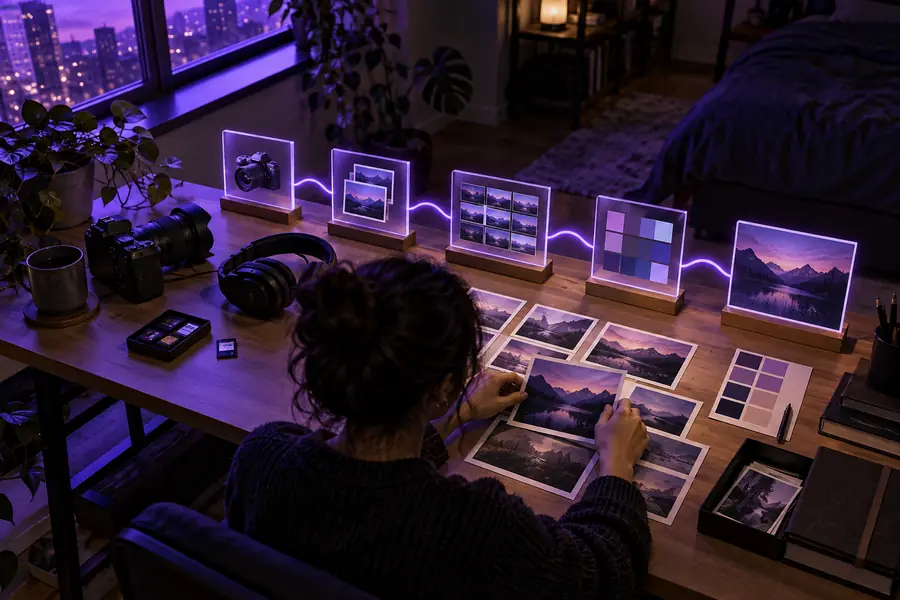

Illustrative workflow comparison; output varies by brief and product context.
Bring a specific subject, setting, and motion to the next step. A focused request gives you something concrete to review, revise, and judge against your intended audience.
Yes, in your browser, once you sign in. The primary action hands your prompt to the video workspace, where each generation spends credits from your plan.
Only partly. A free signup includes 3 credits, enough for a few image generations but not a 10-credit video, and generated assets cannot be downloaded on the free tier. Paid plans start at $19/mo, or $25/yr on the Hobbyist plan.
Start with the subject, setting, visual style, camera movement, approximate duration, and intended audience. One focused scene is usually easier to evaluate than a request that combines several unrelated sequences.
No finished script is required for an initial concept test. A concise visual brief can be enough to explore direction, after which you can add narration, timing, continuity, or brand requirements if the concept is worth developing.
Early generations may not fully preserve details, motion, continuity, or brand requirements. Treat the first result as a direction to inspect and refine, not as proof that the final production will match every part of the request.